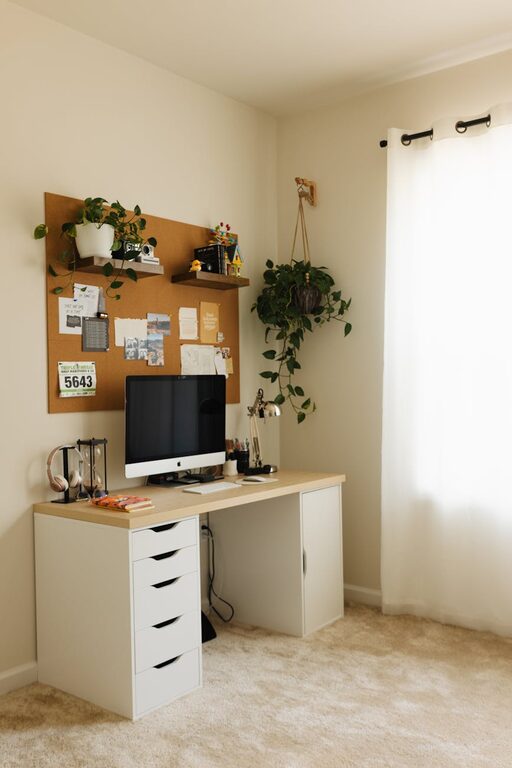
Creating a cozy and functional home workspace is essential for anyone working or studying from home. A well-designed area can enhance focus, improve comfort, and make your workday more enjoyable. Whether you have a dedicated room or a small corner, there are many ways to optimize your space. In this post, we’ll explore practical tips to help you create a home workspace that suits your needs.
Choose the Right Location
Your workspace location impacts your productivity and comfort. Consider the following when selecting your spot:
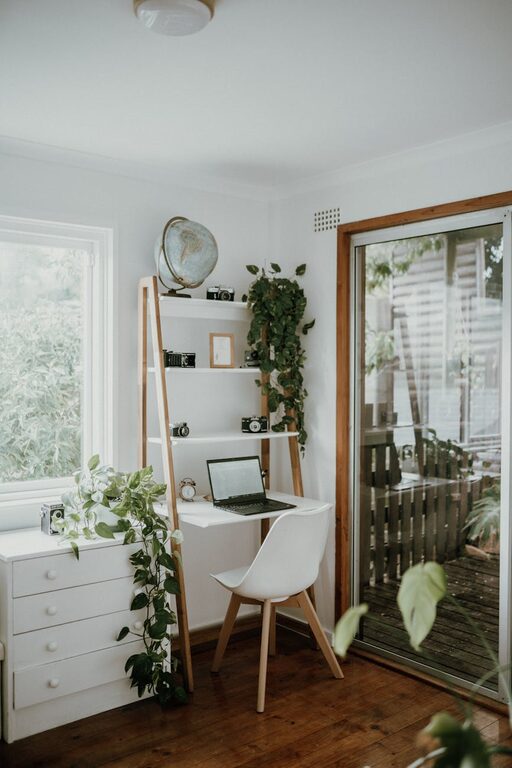
– Natural Light: Position your desk near a window if possible. Natural light improves mood and reduces eye strain.
– Quiet Area: Find a space with minimal noise and distractions.
– Room for Movement: Ensure there’s enough room for your chair and that you can move freely.
Don’t worry if you have a small space—creativity can help you make it work!
Invest in a Comfortable Chair and Desk
Since you’ll spend hours here, comfort is key.
– Ergonomic Chair: Look for a chair that supports your lower back and promotes good posture. Adjustable height and armrests can enhance comfort.
– Appropriate Desk: Choose a desk that fits your available space and allows your elbows to rest at a 90-degree angle when typing.
If possible, consider a sit-stand desk to vary your position throughout the day.
Organize Your Workspace Efficiently
Clutter can drain focus. Keep your area tidy and organized with these tips:
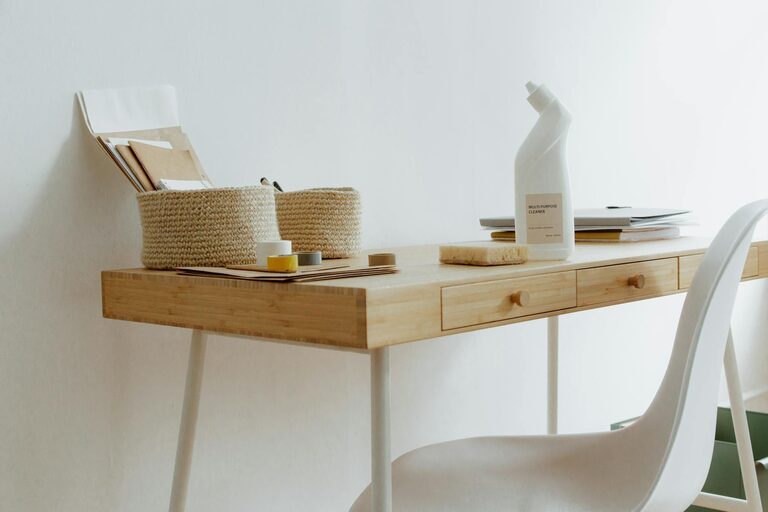
– Use Storage Solutions: Shelves, drawers, and bins help keep supplies in order.
– Cable Management: Use clips or ties to keep wires neat and out of sight.
– Limit Desk Items: Keep only essentials on your desk to reduce distractions.
A clean space helps maintain a clear mind.
Personalize for Comfort and Inspiration
Adding personal touches can make your workspace inviting.
– Plants: Small indoor plants improve air quality and bring life to your desk.
– Artwork or Photos: Surround yourself with images that inspire and motivate you.
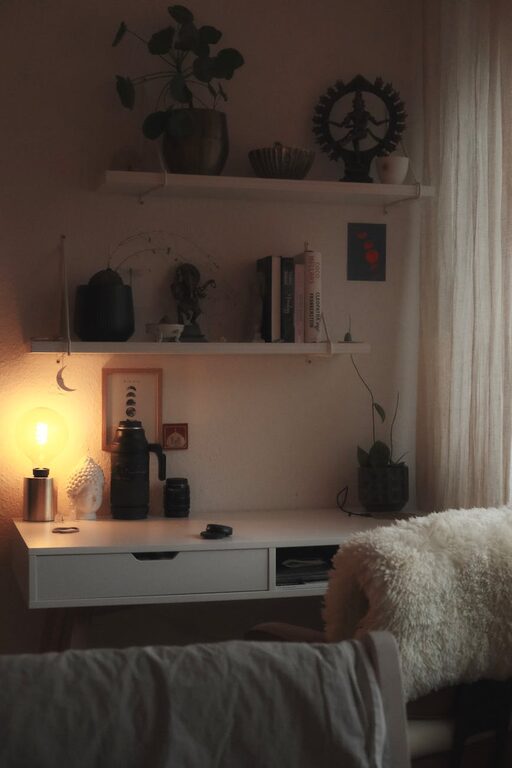
– Comfort Accessories: A cozy blanket or a soft rug can add warmth.
Balance personalization with simplicity to avoid clutter.
Optimize Lighting
Proper lighting is important to reduce eye strain and enhance mood.
– Combine Natural and Artificial Light: Use daylight as much as possible, complemented by task lighting.
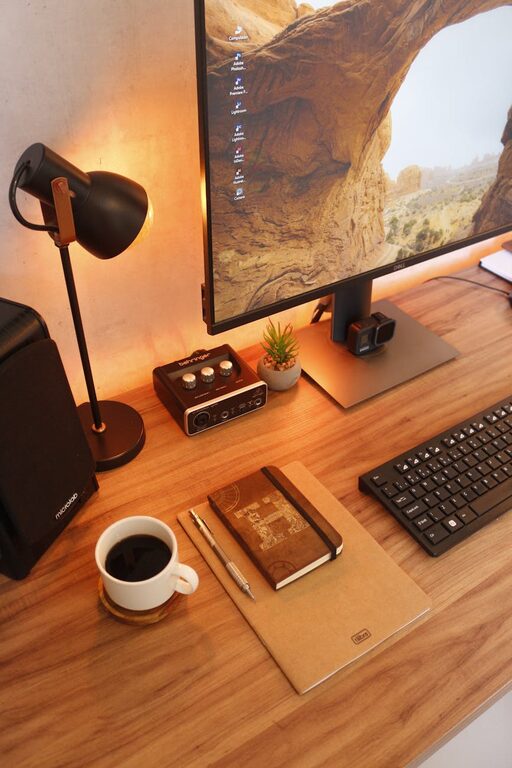
– Desk Lamps: Adjustable lamps provide focused light for reading or detailed work.
– Avoid Glare: Position screens to prevent reflections from windows or lights.
Good lighting keeps you alert and reduces fatigue.
Maintain a Healthy Workspace Routine
Establish habits that foster well-being.
– Take Breaks: Step away regularly to stretch and rest your eyes.
– Stay Hydrated: Keep a water bottle handy.
– Keep the Space Clean: Wipe down surfaces and tidy up at the end of each day.
A routine supports productivity and comfort.
Choose Technology Wisely
Reliable technology prevents frustration.
– Good Internet Connection: Essential for uninterrupted work.
– Ergonomic Accessories: Consider an external keyboard or mouse for better comfort.
– Noise-Cancelling Headphones: Useful if your environment is noisy.
Make sure your tools suit your work style.
Manage Noise and Distractions
Create a quiet and focused environment.
– Use Rugs and Curtains: Soft materials absorb sound.
– White Noise Machines: Help block distracting sounds.
– Set Boundaries: Communicate your work hours to others at home.
A calm space fosters concentration.
Final Thoughts
Designing a cozy and functional home workspace doesn’t have to be complicated. By carefully choosing your location, investing in comfortable furniture, organizing efficiently, and personalizing your area, you can create a space where work feels enjoyable. Remember to pay attention to lighting, technology, and routines to support your productivity and well-being. With these tips, your home workspace can become a place you look forward to spending time in every day.
About the Author