
Working from home has become increasingly common, making it important to have a workspace that promotes focus and efficiency. A clutter-free workspace can reduce stress, increase productivity, and help you stay organized. If you’re looking to create a neat and inviting home office, these simple tips will guide you in organizing your space effectively.
Why a Clutter-Free Workspace Matters
Clutter not only takes up physical space but also affects your mental clarity. When your desk is filled with papers, cables, and miscellaneous items, it’s easy to feel overwhelmed. A clean workspace fosters better concentration and helps you approach tasks with a clear mind.
Start with a Clean Slate
Before organizing, clear everything off your desk. Removing all items gives you a fresh start and helps you decide exactly what you need to keep within reach. Wipe down surfaces and clean your keyboard, mouse, and monitor to create a fresh environment.
Sort and Declutter
Categorize Your Items
Group your belongings into categories such as:
– Office supplies (pens, paper, stapler)
– Electronics and accessories (chargers, headphones)
– Papers and documents
– Personal items (photos, plants)
Decide What to Keep
Ask yourself if you use each item regularly or if it holds important value. Items that you rarely use or duplicates can be stored away or donated.
Use Efficient Storage Solutions
Desk Organizers and Trays
Use drawer dividers, desk organizers, or trays to keep small office supplies in order. This prevents pens and clips from scattering around your desk.
Shelves and Cabinets
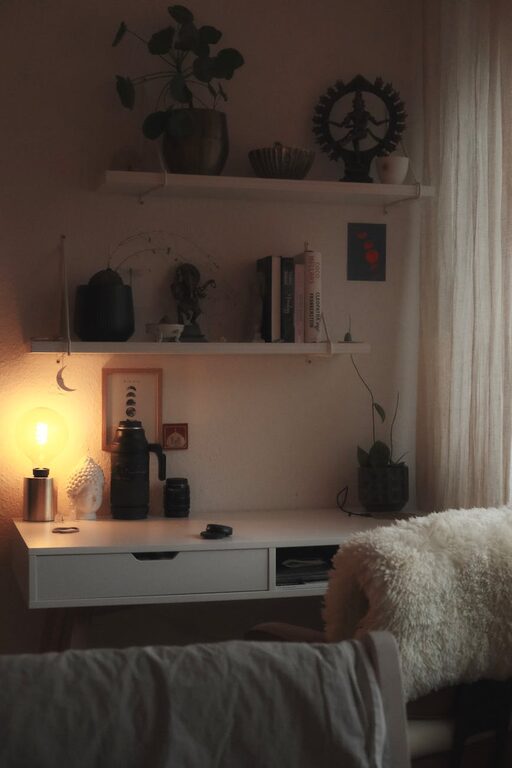
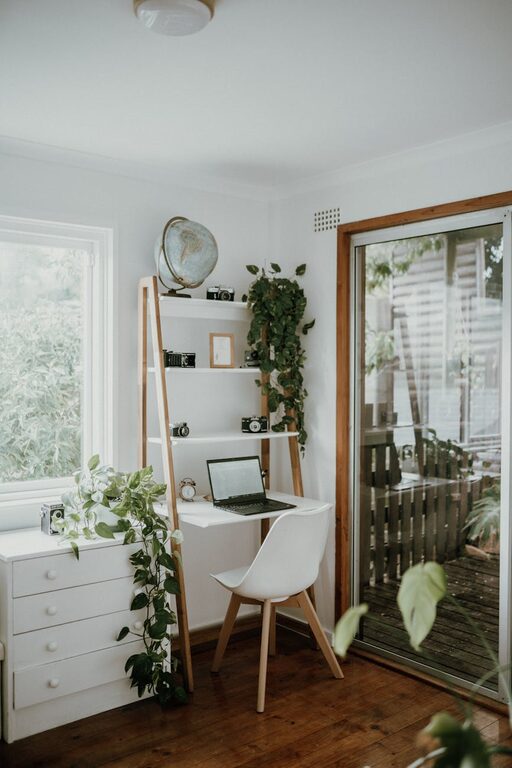
Install shelves or use cabinets nearby to store books, binders, or paperwork. Keeping less frequently used items off your desk frees up space.
Cable Management
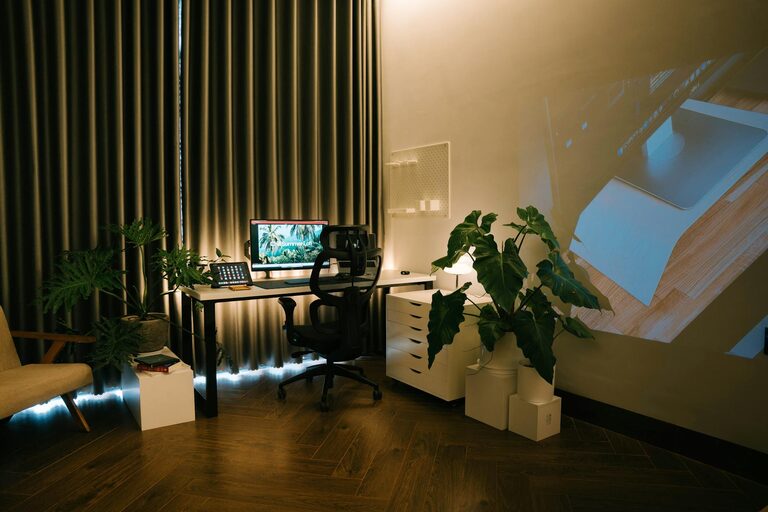
Use cable clips, sleeves, or boxes to bulk up and hide cords. This improves the overall look and prevents tangled wires.
Keep Essential Items Accessible
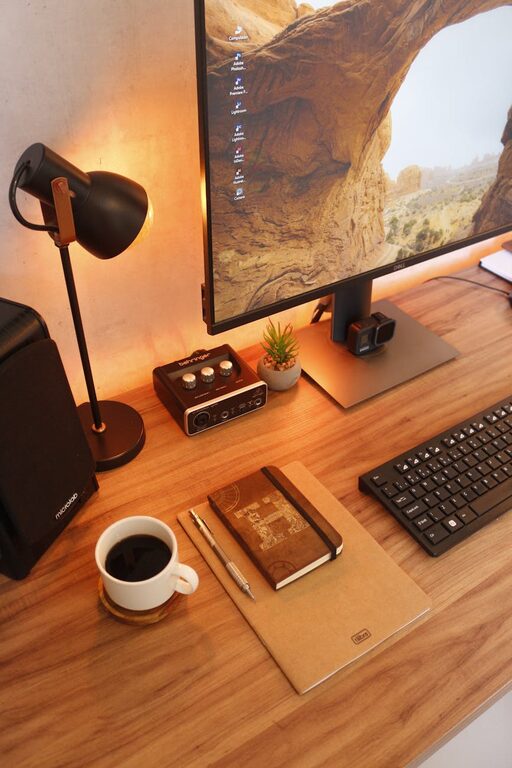
Keep only the tools and supplies you use daily on your desk. This might include your computer, a notebook, a pen holder, and maybe a water bottle. Store everything else out of sight.
Maintain Digital Organization
Your workspace isn’t complete without a tidy digital setup:
– Organize files into clear folders.
– Use cloud storage for easy access.
– Declutter your desktop background by removing unnecessary icons.
Establish a Daily Routine
Spend a few minutes each day tidying your workspace. Put away stray items, file papers, and prepare your desk for the next day. This routine prevents clutter from building up over time.
Personalize Your Space Mindfully
Adding a few personal touches like a plant, a photo, or a piece of artwork can make your workspace inviting. Just be careful not to overcrowd your desk with decorations.
Optimize Lighting and Ergonomics
A well-lit and comfortable workspace encourages productivity. Position your desk near a window if possible, and make sure your chair and monitor are adjusted properly to avoid strain.
Additional Tips for Staying Organized
– Use labels on storage containers or files.
– Choose multifunctional furniture with built-in storage.
– Incorporate a bulletin board or whiteboard to keep important reminders visible.
– Regularly review and declutter your workspace monthly.
—
Creating a clutter-free workspace at home doesn’t require expensive tools or major renovations. With consistent effort and simple organizational habits, you can establish a clean, efficient, and pleasant area to work every day. Start small, and enjoy the benefits of a workspace that helps you focus and feel in control.
About the Author