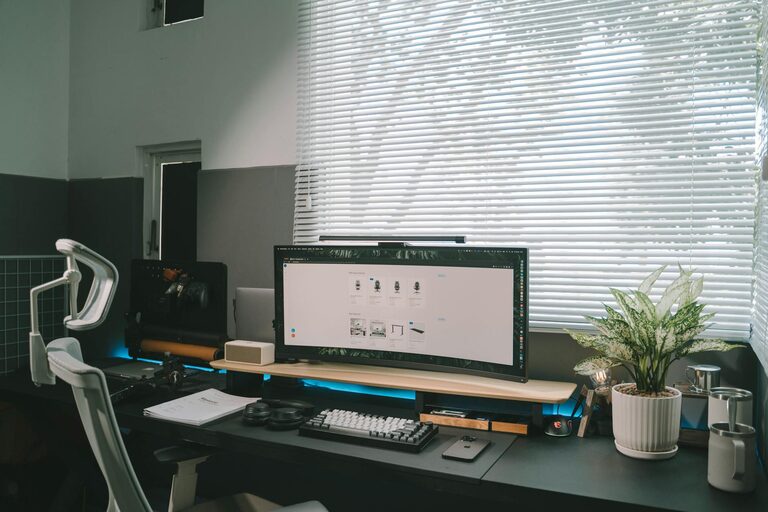
Creating a productive home office environment can make a significant difference in how effectively you work throughout the day. A well-organized space reduces distractions, saves time, and helps maintain focus. Whether you work remotely full-time or occasionally need a dedicated space, these tips will help you optimize your home office for better productivity.
Choose the Right Location
Consider Natural Light and Quiet
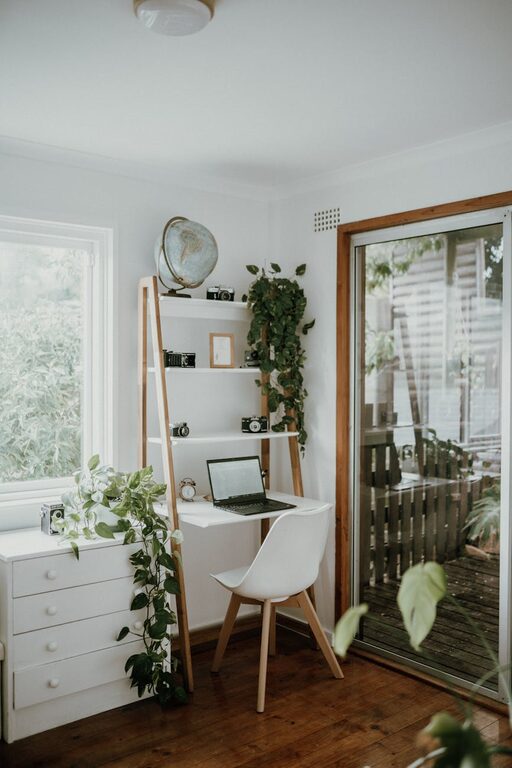
Select a spot in your home with plenty of natural light, which can improve mood and energy levels. Avoid areas with constant noise or heavy foot traffic to maintain focus.
Ensure Comfortable Temperature and Ventilation
A space that is too hot or cold can be distracting. Make sure your home office has good ventilation or heating and cooling options to keep you comfortable.
Declutter Your Workspace
Keep Only Essentials on Your Desk
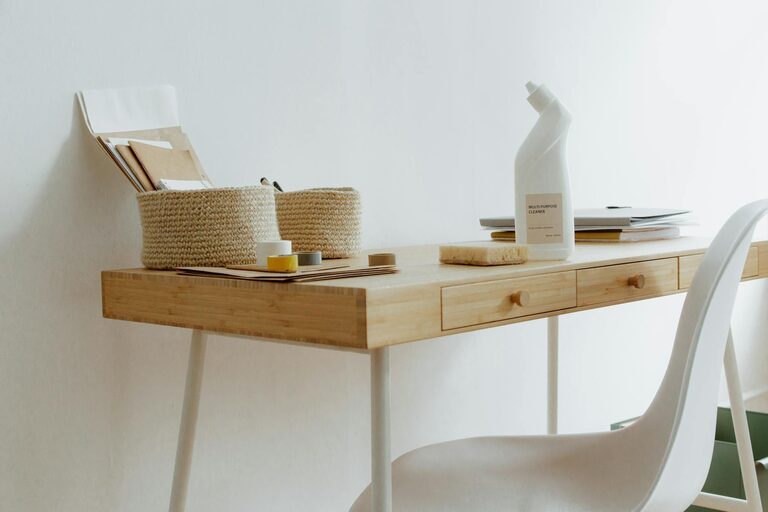
Minimize clutter by removing unnecessary items. Keep only your computer, essential office supplies, and a notepad or planner within arm’s reach.
Use Storage Solutions
Incorporate shelves, drawers, or storage bins to keep documents and supplies organized but out of sight. Label containers for easy access.
Optimize Your Desk Setup
Invest in an Ergonomic Chair and Desk
Comfort is crucial for long work hours. Choose a chair with proper lumbar support and a desk at the correct height to reduce strain.
Position Your Monitor Correctly
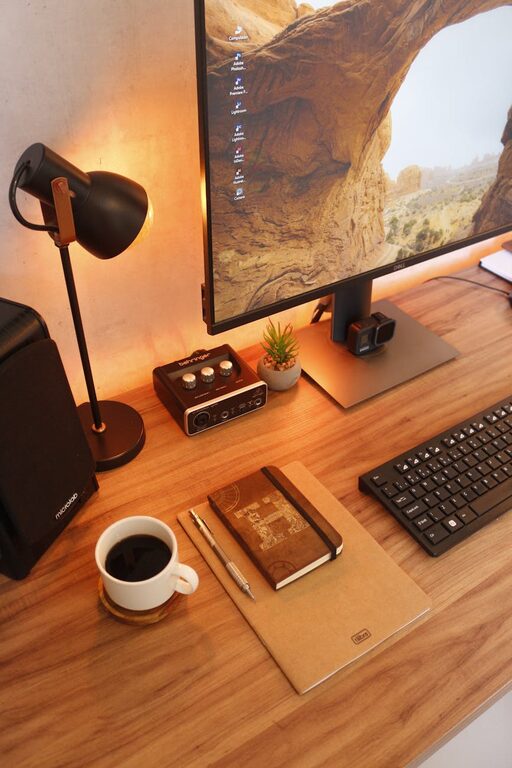
Place your computer screen at eye level, about an arm’s length away. This helps prevent neck and eye strain, improving focus.
Manage Cables and Electronics
Use cable clips, ties, or a cable management box to keep wires tidy. This not only looks better but also prevents accidental unplugging or damage.
Organize Your Digital Files
Create a Logical Folder Structure
Keep your digital files organized with clear folders and subfolders. This minimizes time spent searching for documents.
Use Cloud Storage for Easy Access
Store important files in the cloud to access them from any device and reduce the risk of data loss.
Plan Your Day with Tools and Techniques
Use a Planner or Digital Calendar
Schedule tasks, meetings, and breaks to maintain a balanced and productive day. Set reminder alerts to stay on track.
Prioritize Tasks with To-Do Lists
Create daily or weekly to-do lists that outline your priorities. Break big projects into smaller, manageable steps.
Personalize Your Workspace Thoughtfully
Add Plants or Artwork
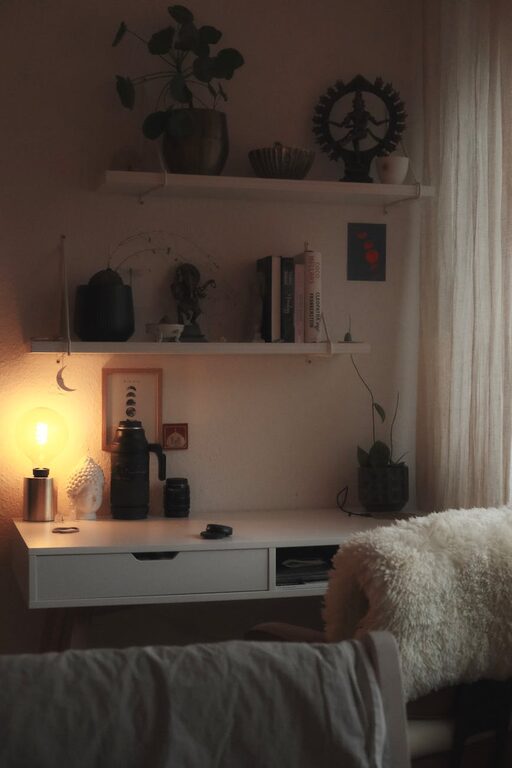
A touch of greenery or inspiring artwork can make your workspace more inviting and reduce stress.
Avoid Excess Decorations
While personalization is good, too many items can cause distractions. Keep decorations simple and meaningful.
Maintain Consistency with Daily Habits
Clean Your Workspace Regularly
Spend a few minutes at the end of each day tidying your desk. This prepares you for a fresh start the next morning.
Take Regular Breaks
Short breaks help maintain productivity and mental clarity. Stand, stretch, or take a quick walk around your home.
Utilize Smart Storage and Filing Systems
Sort Papers Immediately
Set up an inbox tray or file system for incoming documents. Sort or discard papers daily to prevent buildup.
Use Vertical Storage
Shelves or wall-mounted organizers save desk space and keep important items visible.
Consider Lighting and Sound Options
Use Adjustable Lighting
Desk lamps with adjustable brightness help reduce eye strain, especially during late hours.
Minimize Noise Distractions
If ambient noise is unavoidable, consider noise-canceling headphones or white noise machines to create a focused environment.
—
By following these practical tips, you can transform your home office into a more organized and productive space. Remember, the key is to create a setup that fits your workflow and preferences, helping you stay focused and motivated throughout your workday.
About the Author