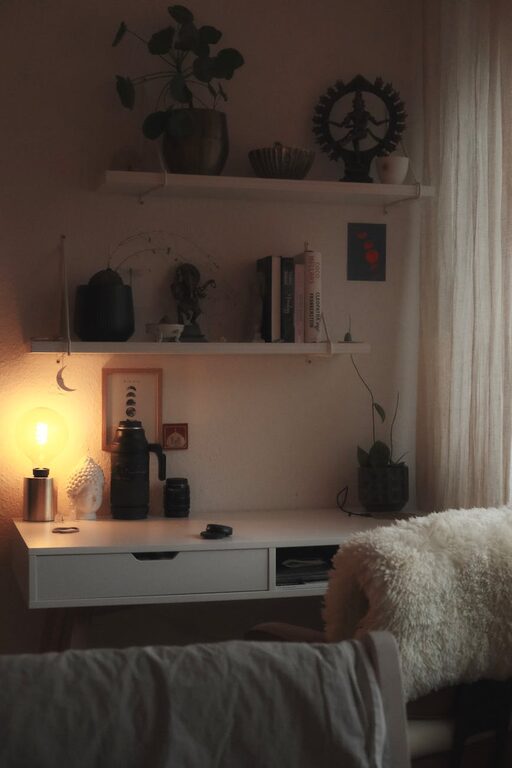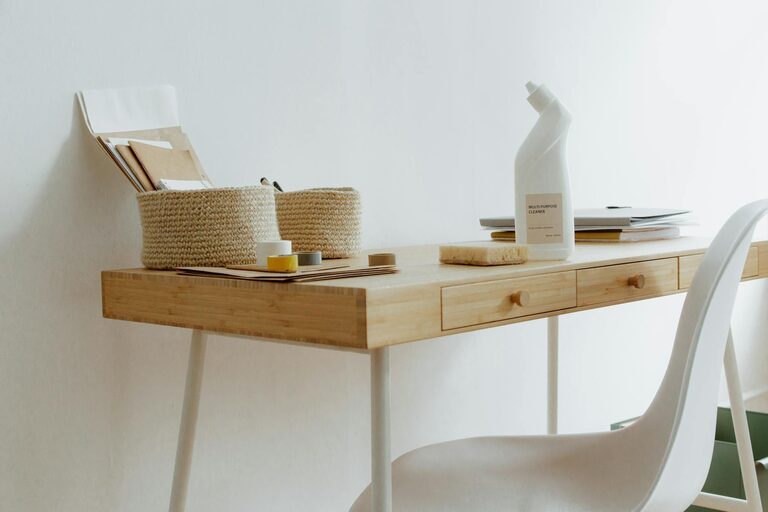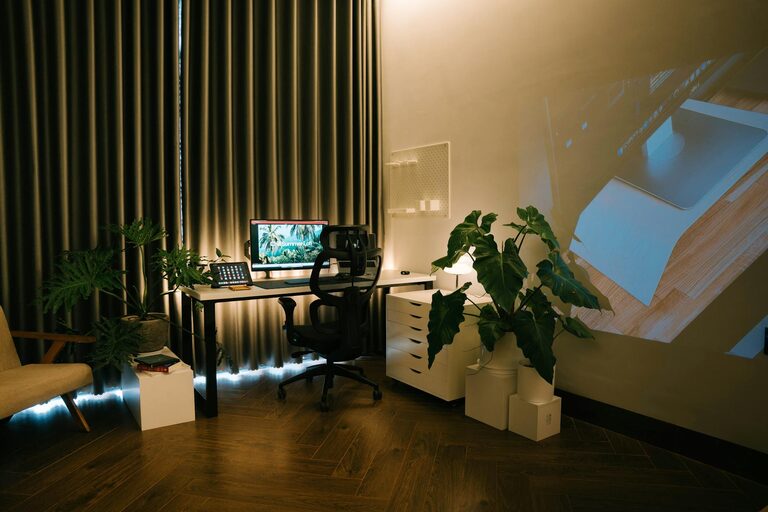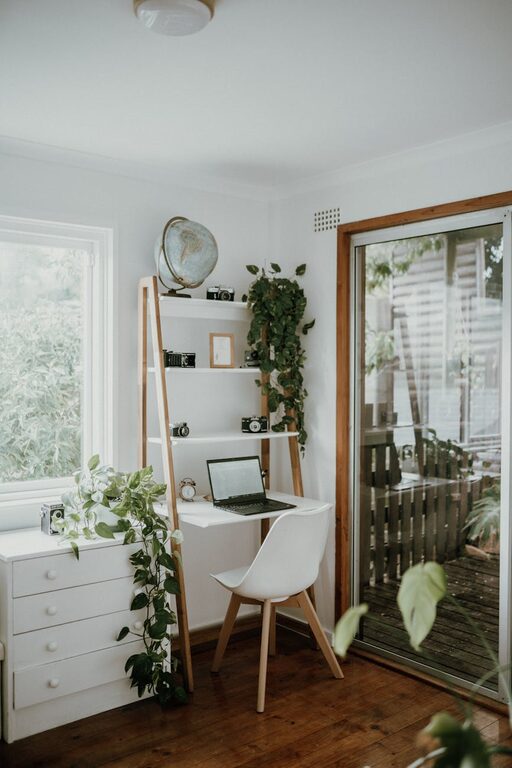
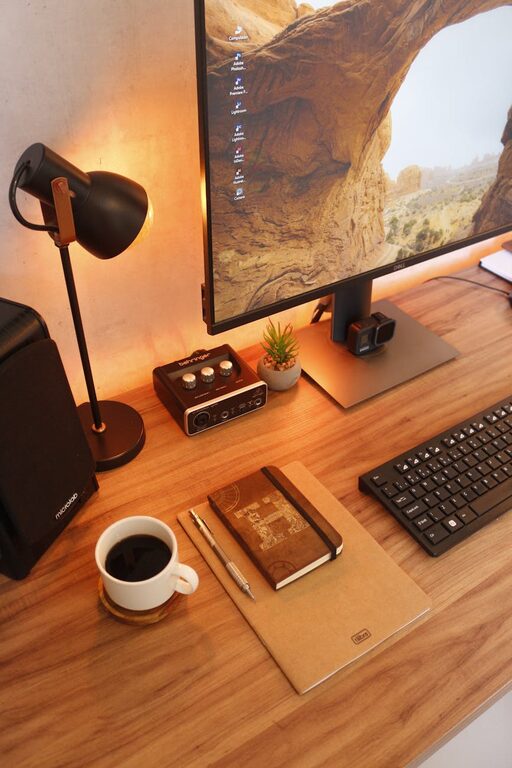
Creating a productive home office environment is essential for anyone working remotely or spending significant time at home on professional tasks. A well-designed workspace can enhance focus, reduce distractions, and improve overall job satisfaction. While everyone’s needs are unique, certain principles apply to almost any home office setup. In this post, we’ll explore practical tips to help you create a productive, comfortable, and inspiring workspace.
1. Choose the Right Location
The first step in setting up your home office is selecting the best spot. Ideally, this should be a quiet area with minimal foot traffic and distractions. Here are some factors to consider:
– Natural light: Choose a location near a window if possible, as natural light can boost mood and reduce eye strain.
– Privacy: Find a space where you can close a door or at least have some level of privacy to focus on work.
– Space: Ensure there is enough room for your desk, chair, and any equipment or storage you need.
If space is limited, even a corner of a room can be transformed into an effective workspace with the right organization and setup.
2. Invest in Ergonomic Furniture
Comfort plays a critical role in productivity. Ergonomic furniture helps reduce fatigue and physical discomfort, allowing you to work longer and more efficiently.
– Desk: Select a desk at the right height so your arms are at a comfortable angle when typing (about 90 degrees).
– Chair: Invest in a chair with adjustable height, good lumbar support, and comfortable cushioning.
– Monitor and keyboard placement: Keep your screen at eye level and your keyboard positioned to avoid wrist strain.
Consider items like footrests or sit-stand desks if you want to vary your posture throughout the day.
3. Organize Your Workspace
A cluttered environment can be distracting and stressful. Keeping your workspace tidy helps maintain focus and maximizes efficiency.
– Declutter regularly: Remove unnecessary items and keep only essentials on your desk.
– Use storage solutions: Drawers, shelves, and organizers help keep papers, supplies, and gadgets in order.
– Cable management: Use clips or cable sleeves to prevent cords from tangling and creating a mess.
Labeling storage containers can also make it easier to find things quickly.
4. Optimize Lighting
Good lighting reduces eye strain and keeps you alert during work hours.
– Maximize natural light: As mentioned, position your desk near windows if possible.
– Supplement with task lighting: A desk lamp with adjustable brightness and direction can help illuminate your workspace without glare.
– Avoid harsh overhead lighting: Soft, warm lighting tends to be more comfortable for long periods.
Position your screen to avoid glare from windows or lights, which can cause headaches and frustration.
5. Minimize Distractions
Distractions disrupt flow and productivity. Setting boundaries and controlling your environment can help you focus.
– Noise control: Use noise-canceling headphones, white noise machines, or play instrumental music if background noise is an issue.
– Set clear boundaries with others: Let family members or roommates know your work hours and the importance of uninterrupted time.
– Turn off notifications: Silence non-essential phone or computer notifications during focused work sessions.
Creating a “do not disturb” sign or signal can be a helpful reminder for those around you.
6. Personalize Your Workspace
A workspace that feels welcoming and inspiring encourages you to spend time there and stay motivated.
– Add plants: Indoor plants boost mood and air quality.
– Include personal touches: Photos, artwork, or meaningful objects can make the space more enjoyable.
– Use colors wisely: Choose calming or energizing colors for your office accessories or walls, depending on what helps you focus.
Balancing personalization with simplicity keeps your space inviting without cluttering it.
7. Use Technology Wisely
Your tools should support your workflows without adding complexity.
– Reliable internet: Ensure a stable and fast internet connection.
– Efficient hardware: Use a good-quality computer and peripherals that meet your work needs.
– Productivity apps: Use calendars, task managers, or communication platforms to stay organized and connected.
Regularly updating software and backing up files can prevent downtime or data loss.
8. Take Breaks and Move Around
Even the best workspace benefits from breaks to refresh your mind and body.
– Follow the 20-20-20 rule: Every 20 minutes, look at something 20 feet away for 20 seconds to reduce eye strain.
– Stretch or walk: Get up regularly to stretch or take a short walk to avoid stiffness.
– Hydrate and snack: Keep water and healthy snacks nearby to maintain energy without long interruptions.
Scheduling breaks as part of your routine encourages healthy work habits and sustained productivity.
—
Final Thoughts
Designing a productive home office environment is both an art and a science. By thoughtfully selecting your space, investing in comfort, minimizing distractions, and organizing effectively, you can create a work area that helps you be your best. Remember that flexibility matters too—adjust your setup over time to fit your changing needs and preferences. With the right environment, working from home can be both efficient and enjoyable!
About the Author